










贊助廣告

【教學】卡車遊戲 超商代碼繳款(7-11]
2017-04-03
【教學】卡車遊戲 超商代碼繳款(7-11]
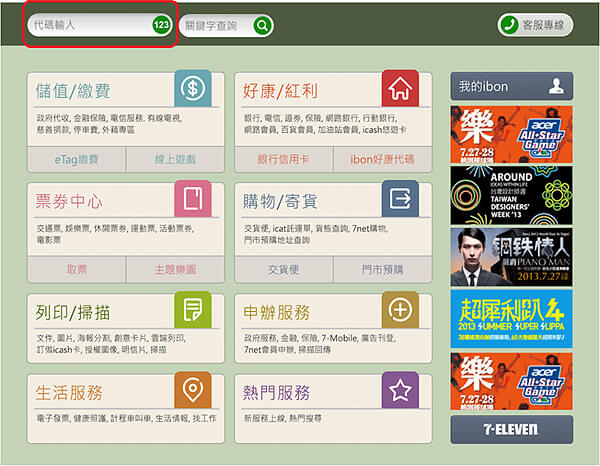
1.點選「代碼輸入」。
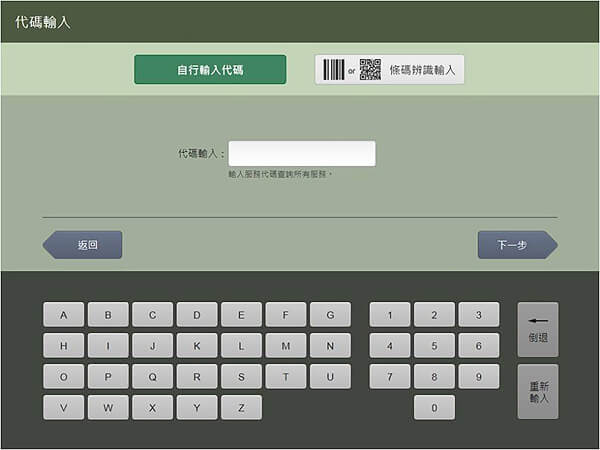
 2.可選擇【自行輸入代碼】或選擇【條碼辨識輸入】,以QR Code掃描代替手動輸入。
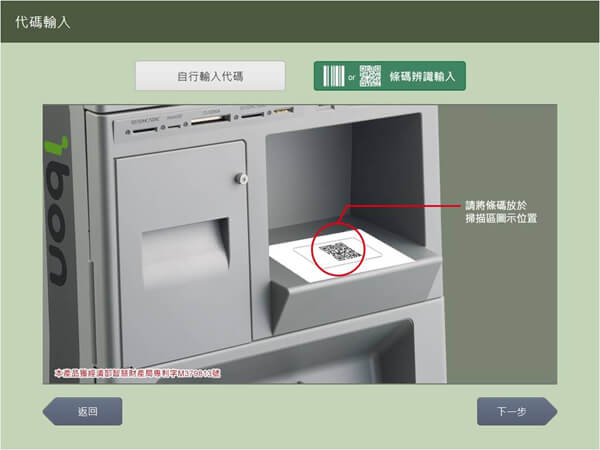
 3.如果您選擇「條碼辨識輸入」請將QR Code放置於ibon的掃描圖示位置。
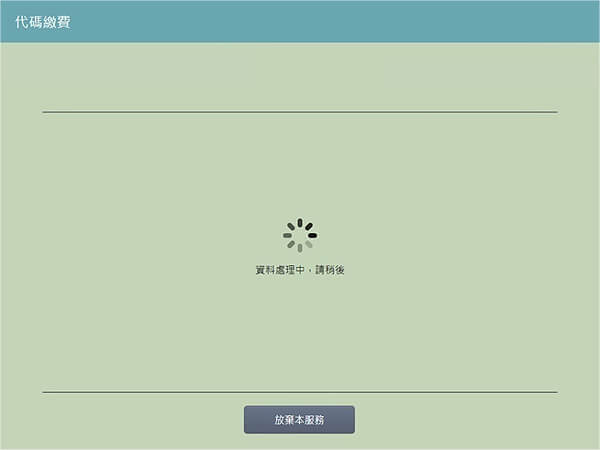
 4.資料傳輸中。
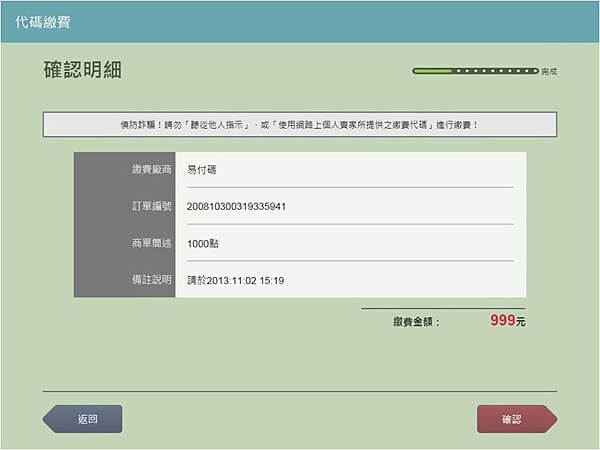
 5.確認金額、項目無誤後,列印繳費單。
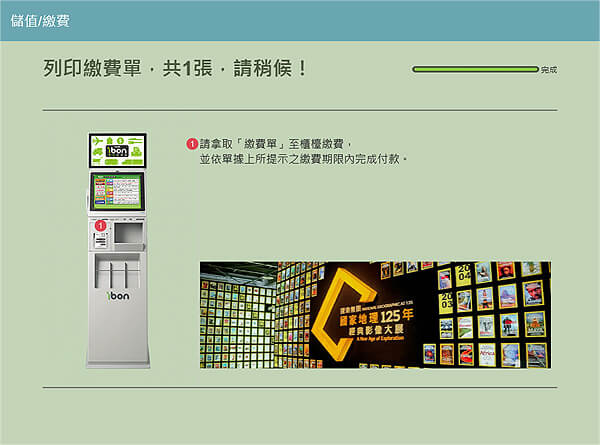
 6.臨櫃繳費。
 7.取得繳費收據。
<img class="margin_b50 border_gray" data-cke-saved-src="https://www.allpay.com.tw/Content/themes/WebStyle20131201/images/service/cvcode/ibon6.jpg" src="https://www.allpay.com.tw/Content/themes/WebStyle20131201/images/service/cvcode/ibon6.jpg" style="margin-top: 0px; margin-right: 0px; margin-left: 0px; padding: 0px; width: auto; color: rgb(51, 51, 51); font-family: 微軟正黑體, " apple="" ligothic="" medium",="" "lucida="" grande",="" sans="" unicode",="" helvetica,="" arial,="" verdana,="" sans-serif;="" font-size:="" 14px;="" margin-bottom:="" 50px="" !important;="" border:="" 1px="" solid="" rgb(204,="" 204,="" 204)="" !important;"="">